How it works
Pay a business the way you already do. HotSaus sends you real cash back. Three steps, that's it.
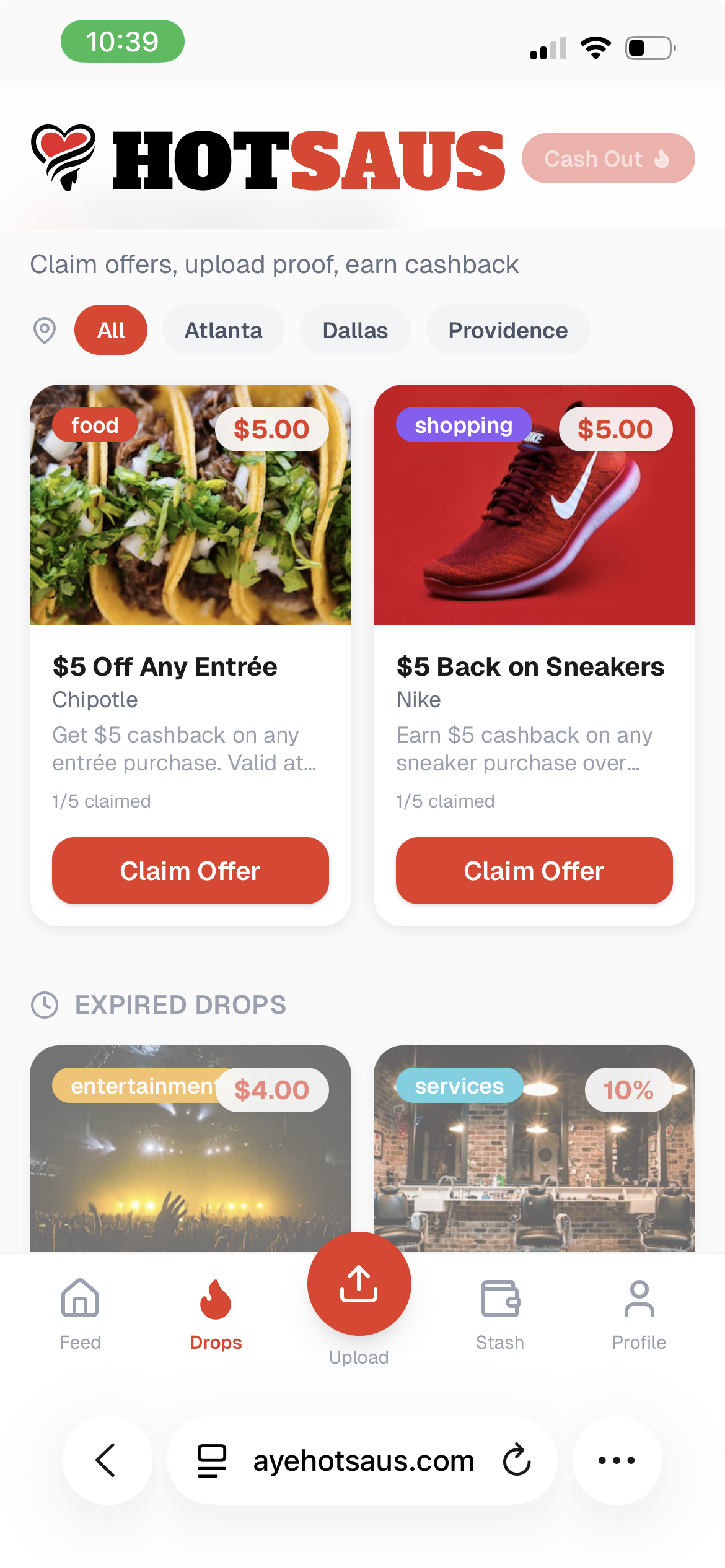
Step 1: Claim cash
Pick a cash back offer from a local spot and claim it before it's gone.
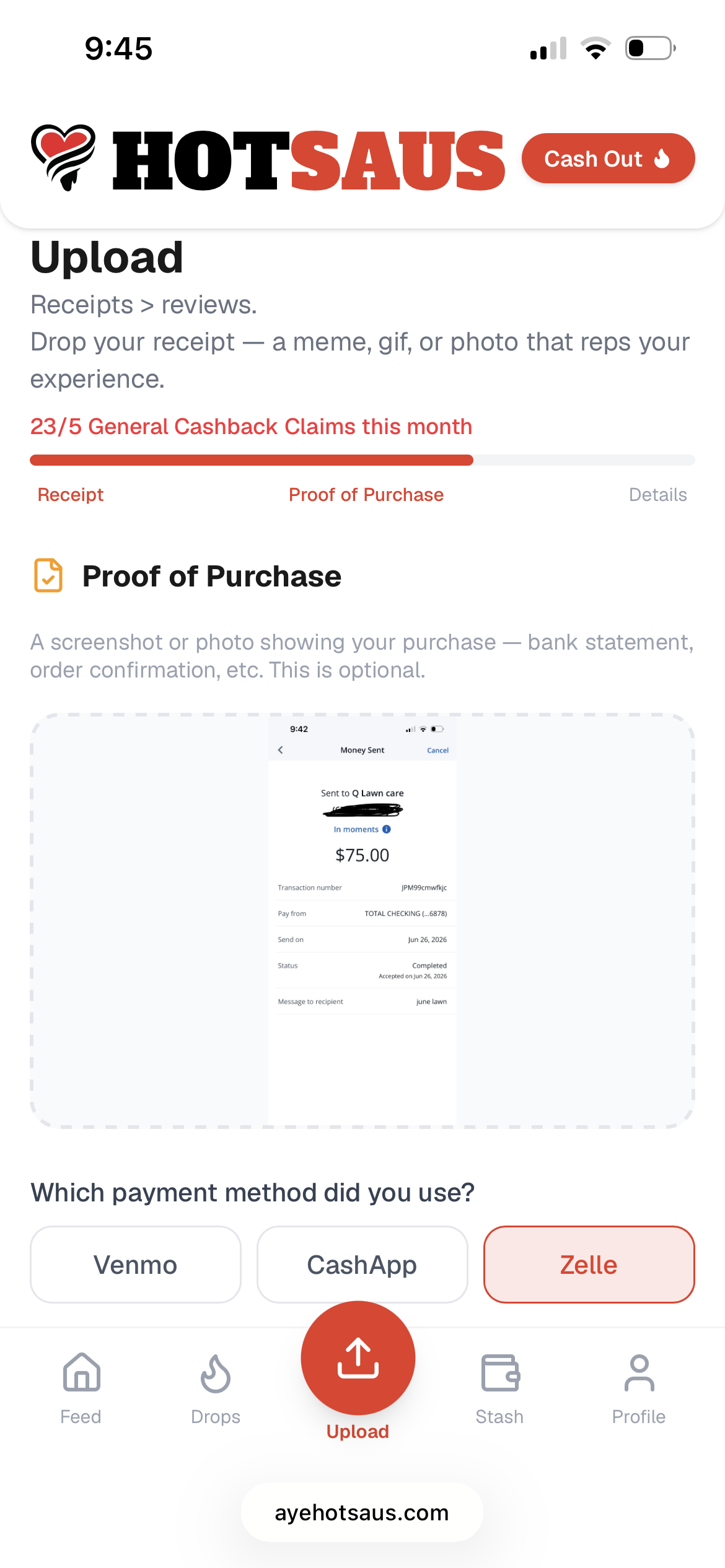
Step 2: Upload your POP
Pay the business with Zelle, Venmo or Cash App, then upload a screenshot or PDF of the payment. Your proof of purchase stays private.
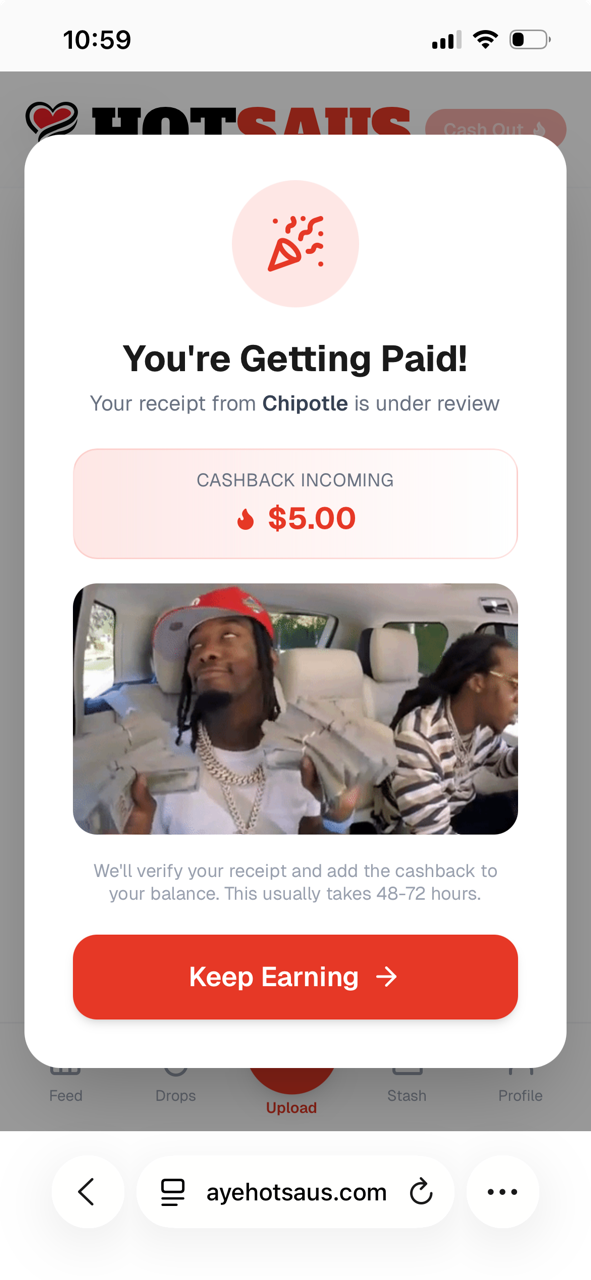
Step 3: Get paid
Your cashback shows up as pending right away and lands once we verify your proof, usually within 48 to 72 hours. If there's a hiccup, we'll let you know.
Good questions
What counts as proof of purchase?
A screenshot or PDF of the payment from Zelle, Venmo or Cash App that shows who you paid and how much. It never shows up on the feed.
How do I get my money out?
Once your balance hits $20, tap Cash Out and send it to your bank. No gift cards, no points.
Do I need to download anything?
No. HotSaus runs in your phone's browser. Add it to your home screen and it works like an app.
What's the meme for?
Your win can post to the feed as a meme or GIF. It's optional, and it's how HotSaus keeps cash back fun.